
How to unlock iPad without Apple ID



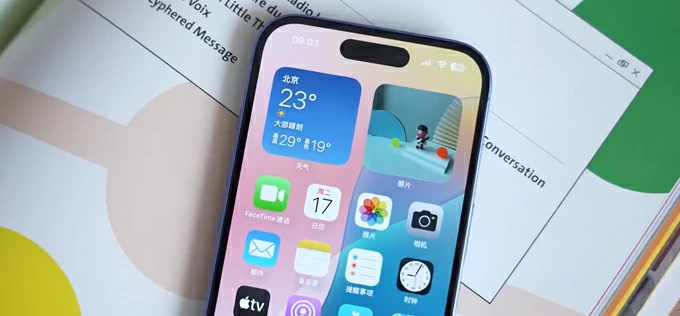
Editing photos on an iPhone is no longer just a quick step before posting. For many people, it is where the entire process takes place, from selecting the best shot to refining light, color, and detail. The best photo editor for an iPhone should match this demand. It does not mean there are obviously good or bad options; different problems require different solutions. Some tools focus on fast, one-tap improvements using AI, while others give you more control for precise adjustments and consistent results
In this article, we look at mobile editors that work well on iPhones. The goal is to help you choose a reliable post-processing companion that delivers incredible results, even on the go.
When you edit photos on an iPhone, you hope for quick results while still keeping your photos polished and consistent. Skylum's official iPhone page highlights AI tools such as Sky AI, Relight AI, and Structure AI, alongside manual tools for cropping, removing objects, or applying filters. Luminar Mobile is not suitable for mobile-only workflows. It is part of a cross-device ecosystem that you can purchase in full. The Cross-device license costs around $149, and the Max tier costs around $160.
Pros
Cons
VCSO offers the best way to edit photos on an iPhone for users who prioritize experimenting with colors, styles, and moods, rather than delving into heavy retouching. It is a mobile-first photo editor with RAW support, presets, filters, and video tools. The starter app is free, but there are also Plus ($7.99/month or $29.99/year) and Pro ($12.99/month or $59.99/year) tiers with broader toolkits.
Pros
Cons
If you are a casual photographer and/or visual content creator, Tezza may be a great choice for you, even if you don't know how to edit photos on an iPhone. This aesthetic photo and video editor is built around presets, filters, and creator-friendly styling tools. Official App Store pages show multiple in-app purchase options, such as Tezza Pro Yearly ($39.99), Tezza Pro Monthly ($7.99), Tezza Pro Weekly ($5.99), and premium options at higher prices. Double-check the App Store for your region to study all the available offers.
Pros
Cons
RNI Films is a good fit for iPhone photographers who care more about believable color, soft contrast, and film-inspired rendering, as well as RAW support. Alongside the iPhone, it supports iPad, Mac, and Apple Vision so that you can maintain a smooth cross-device workflow. The app is free to download, but the in-app purchases will cost you roughly $11. Double-check the price for your App Store region.
Pros
Cons
Selecting the right photo editing app for your iPhone hinges on your specific needs, whether you seek quick enhancements, creative experimentation, or a polished aesthetic. By understanding the unique strengths of each mobile editing software, you can find the perfect companion to elevate your photography.